
For shoppers
Find nearby shops and understand what each one offers. Collection, delivery and payment options depend on the shop.
Understand how shopping works ↗Discover spaza shops and local retailers near you. Browse everyday essentials and connect with participating shops — all in the Teyza app.
Android early access for approved testers. iPhone release coming soon. Shop availability and services vary by area.
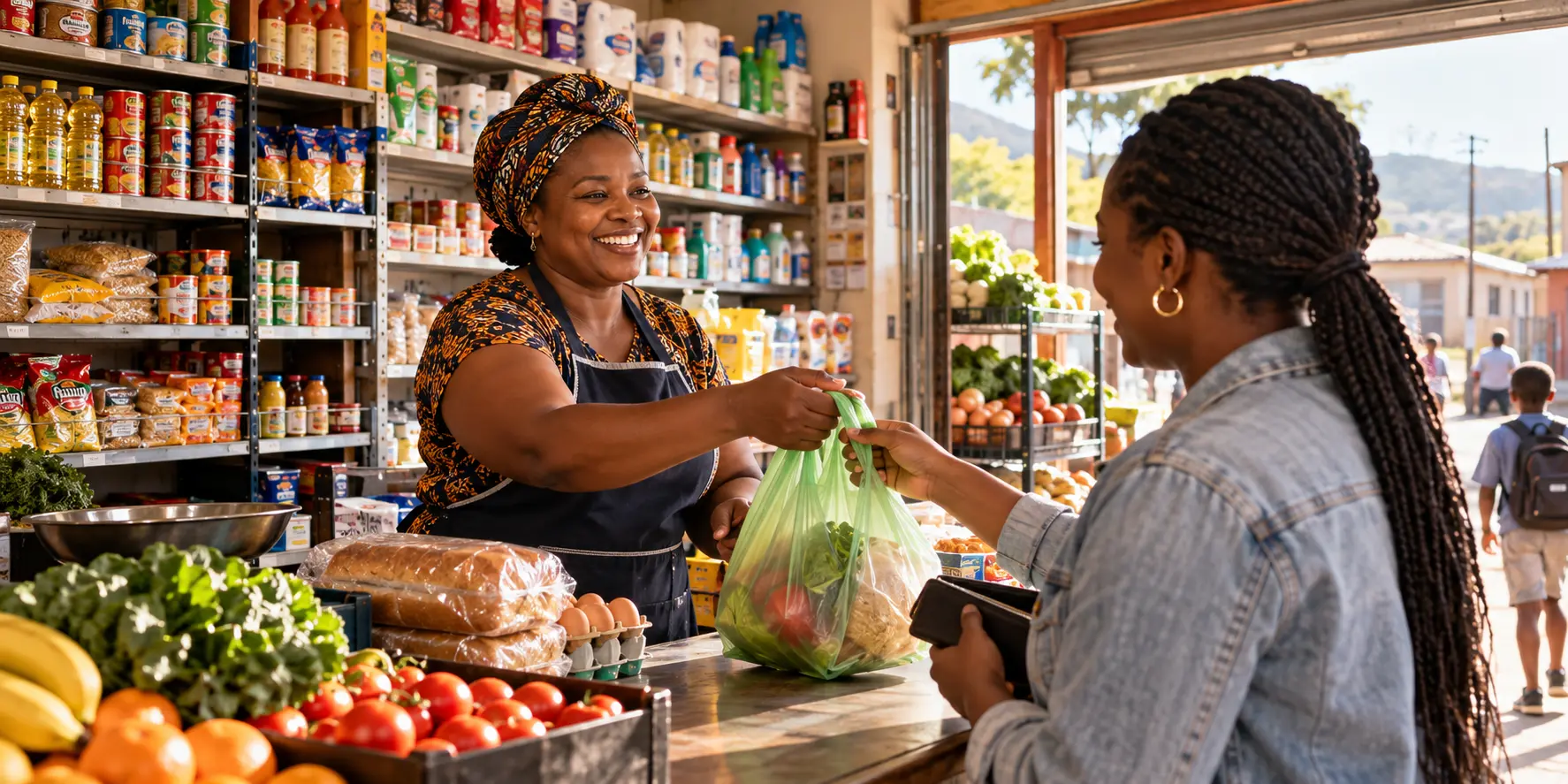
Teyza is a South African app for discovering spaza shops and local retailers. Participating shops manage their own products, prices, stock and service options. Shoppers can browse published ranges, message enabled shops, request orders and get directions.
Find nearby shops and understand what each one offers. Collection, delivery and payment options depend on the shop.
Understand how shopping works ↗Register in the app, complete verification and prepare your selling workspace. Shops become visible after approval and completion.
Read the owner guide and R99 membership details ↗Connect with the shops that make your neighbourhood feel like home.

Discover shops nearby, explore their ranges and send an order request where available.
Explore how it works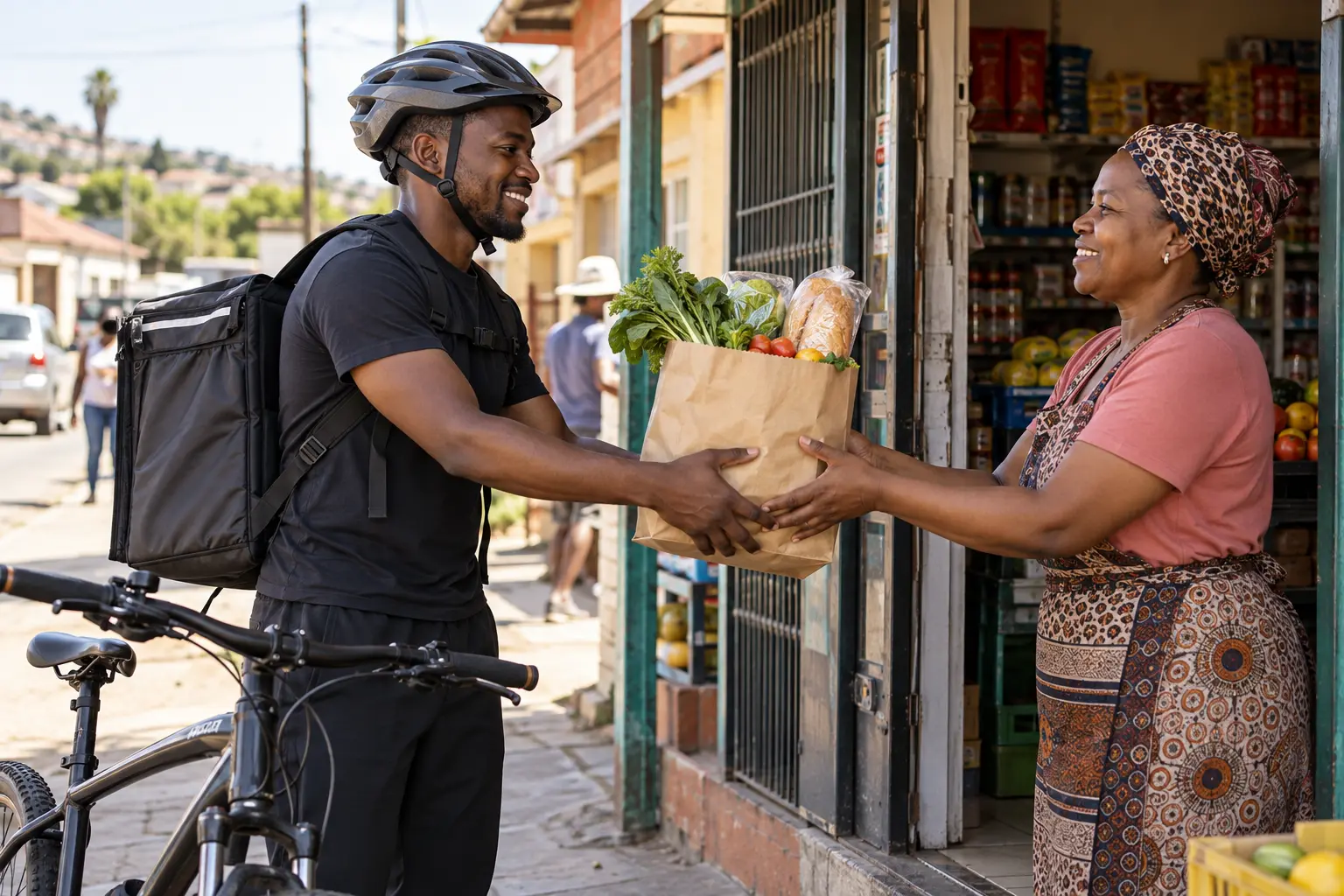
Choose collection or delivery where offered. Each shop sets its own service options and fees.
See shopping optionsSee how a shopper can find a nearby shop, choose everyday essentials and send an order request.
Actual Teyza Android app screens lead into an interactive example. No order is sent from this website.
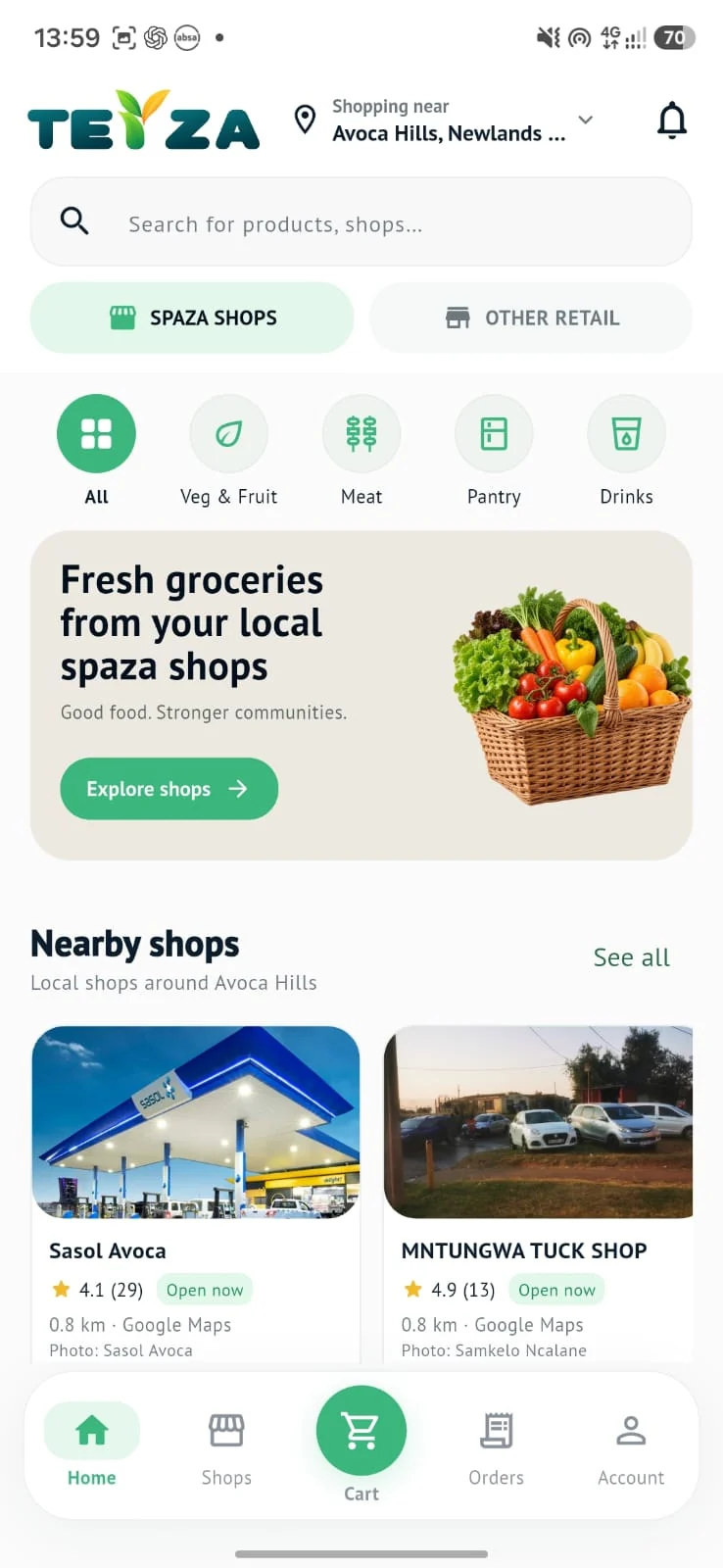
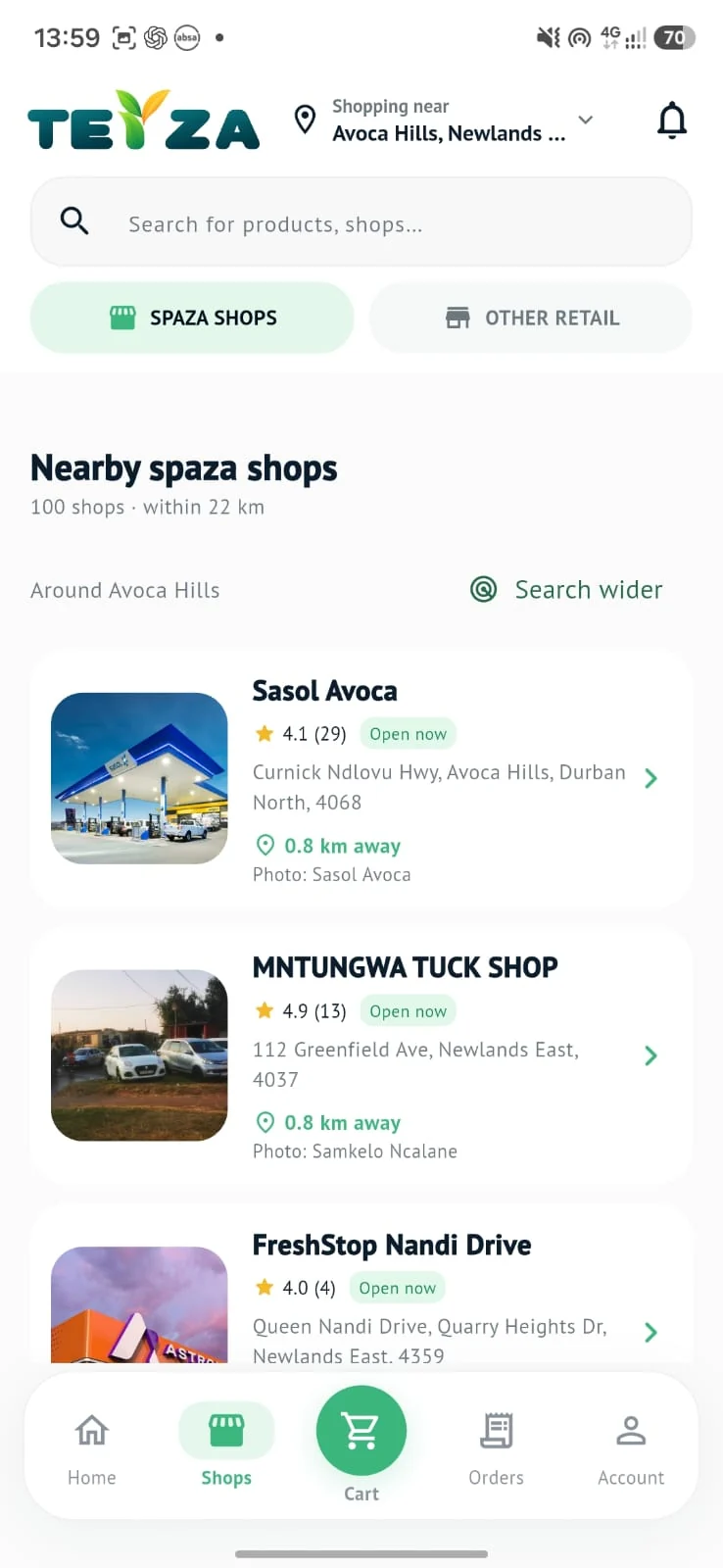
 EXAMPLE
An example participating shop
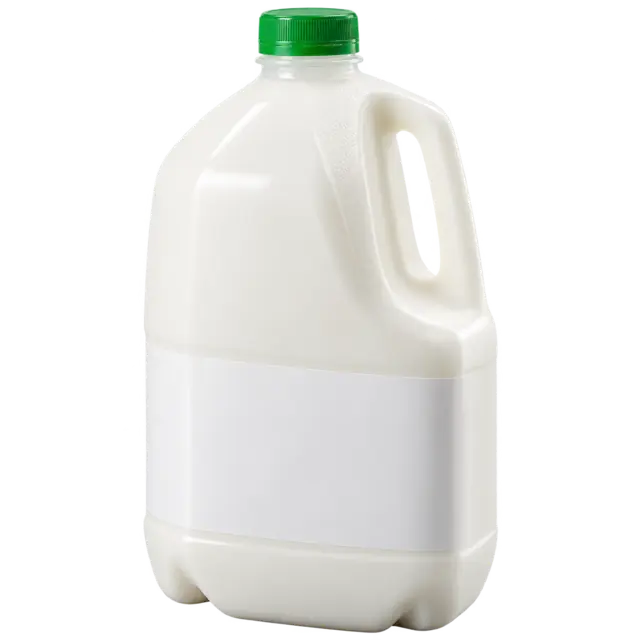

Products and availability vary by shop.
EXAMPLEItems from your example shop
Available options and fees are set by each participating shop.
EXAMPLEIn the app, your request goes to the shop for confirmation.
This was a preview. No order was sent.
Get the Teyza app ↗Open Teyza as a shopper or shop owner. Both journeys now start in the app.
Choose an area or allow location access to discover nearby spaza shops and other retailers.
Browse participating shops and contact them in the app. Product availability, collection and delivery depend on the individual shop.
Website seller sign-up has moved to the Teyza app. Open the app, choose Shop Owner, and follow the guided registration.
Registration does not guarantee approval or immediate publication. Shop plans and any applicable charges are shown in the app.
Get the app for your shop ↗Teyza is being released through Google Play testing. Access is limited to approved testers. Sign in with the Google account invited to the test, join the test, then follow Google Play’s installation instructions.
Open Android testing on Google Play ↗Not invited or unable to access the test? Contact support for app access.
The public iPhone listing is not available yet. We’ll add the App Store download here when it is live.
Android early access is available through the Google Play testing link for approved testers. The public iPhone release is coming soon. Visit Get the app for the current availability.
Seller registration now takes place in the Teyza app. Choose Shop Owner and follow the registration and verification steps. This website introduces Teyza and provides app access and support information.
Teyza is built for South African shoppers and local retailers. Discovery results, participating shops, products and services depend on the area you select. Coverage is still growing.
No. Collection, delivery, stock and pricing depend on the individual participating shop. Confirm the available options with the shop in the app.
A new seller must complete the required setup and verification. Publication is subject to approval and the shop’s listing status.
Email support@teyza.co.za. For a login or OTP issue, include your app version and the error message. Never send passwords or SMS codes.